As AI images flood the internet, it’s important journalists get on the record about the legitimacy of their content
In AI age, explain how you verify visuals
Want to get this Trust Tips newsletter in your inbox each Tuesday? Subscribe here.
The sheer volume of breaking news over the past few weeks has caused an influx of altered and fake AI images to circulate on social media.
This type of AI-generated content is so common now that it’s becoming routine for many newsrooms to add a disclaimer when sharing any third-party image, such as: “We have verified the validity of this image or footage.”
That’s great practice — as journalists, we should absolutely be telling people if we’ve verified the visuals we’re republishing and sharing.
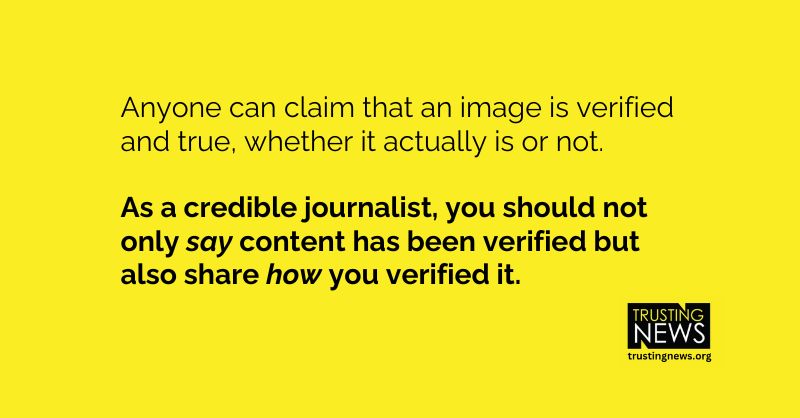
But anyone on the internet can claim that an image is verified and true, whether it actually is or not. We see this happen all the time.
That’s why, as credible journalists, it’s important you not only say content has been verified but also share how you verified it.
What can you tell people about your process? The tools you use? What clues do you look for when determining the legitimacy of content? What sort of evidence can you point people to that will help demonstrate your credibility and the rigor that goes into your reporting? How can you bring the receipts for your assertion of accuracy?
Here are two recent examples from newsrooms of what this can look like.
Maduro capture and fatal ICE shooting: How newsrooms explained verification
The day after the former Venezuelan leader Nicolás Maduro was captured, The New York Times Director of Photography Meaghan Looram wrote an explainer sharing how they assessed Trump’s photo that claimed to show Maduro handcuffed onboard a U.S. warship.
The column walks readers through their team’s process and judgment calls when deciding to publish the photo, including how they evaluated the photo alongside other images (later deemed false) that also claimed to show Maduro.
A few things I think work well in this column:
- Instead of just saying they knew certain photos were fake and leaving it at that, Looram gets specific about their process for determining how they determined they were fake. She explains how the team used an AI detector and human judgment to spot inconsistencies and other red flags in the false photos. This included differences in Maduro’s clothes and irregularities with the airplane window.
- Like many of these behind-the-scenes columns from The Times, this column gives readers a view into the inner workings of journalists’ decision-making process. We know that some people think journalists care more about sensationalizing the news than getting it right. The Times offers a counter-narrative to this by sharing the judgment calls their team had to make and some of the ethical deliberations made before publishing the photo.
- It also acknowledges uncertainty. Looram is upfront about their limitations of being able to fully verify whether the image Trump shared of Maduro was authentic, but explains their thought process of why they decided it was newsworthy enough to publish with the appropriate context. “The authenticity and credibility of our news report is always paramount, and the tools for detection are vital for our work,” Looram writes. “Still, currently there is no tool that unequivocally verifies images. Like so much in journalism, it is up to us — human editors — to make judgment calls and to provide our readers with information they need to know, with the appropriate context and caveats.”
These types of explainers can also be effective when dispelling fake images that may be spreading online. (Reminder, when misinformation is gaining traction, sometimes it’s better to address it head on rather than ignore it.) Here’s an example of how Reuters did this when warning of false images from Minneapolis that claimed to show Renee Good in the moments before she was killed by an ICE officer.
Just putting “fact check” in the headline isn’t enough on its own — anyone can do that. The article explains how the Reuters team verified the image was false by looking for context clues between the false photo and other photos from the scene that had been verified. They saw lots of mismatches, such as the position in the car, facial expressions, backgrounds, etc. They also spotted some strange things about the image, including inconsistent lighting, and noted they had consulted experts in the field who agreed the image appeared to be false.
Give your audience tools to verify visuals
Explaining your verification process is not only helpful when establishing yourself as a credible source, but it can also be a good opportunity for you to give your audience some agency to spot fake content for themselves and equip them to navigate the information landscape.
Imagine that the next time a situation happens where people are accusing you or other outlets of fake news, you’re ready with tips and tools for how they can verify what they’re seeing for themselves.
Here are two examples of what this could look like:
- In this BBC article, they give brief tips for how people can do this: Focus on inconsistencies in the details; Be wary of something looking too perfect; Reverse image search.
- USA TODAY did something similar by explaining how readers can spot fake viral videos online by checking sources and looking for clues in videos, like “spongy” spots, that would hint that it’s likely AI-produced.
What Trusting News and partner newsrooms are working on
As part of our ongoing work to respond to the involvement of AI in the information ecosystem, we are working with journalists in 10 newsrooms to share AI literacy information with the public.
Newsrooms are educating their communities about how AI works, what it is and isn’t good at, and what to be on the lookout for. Researchers at the University of Minnesota are studying public responses to those literacy elements. You can see an example here from KXAN in Austin.
We’re in the middle of that research project and look forward to sharing what we learn.
Your turn
- Get specific about how you verify online visuals with your audience. What can you tell them about your process? Do you check metadata? Look for inconsistencies? Run it through an AI detector? Reverse image search? Get really specific about the steps you’ve taken.
- Make sure you include an explainer of how you verified the visuals anywhere the image may appear — whether in a caption, social media or a newsletter. If you’re limited on space, you can always link out to a fuller explanation.
- Give your audience tools to verify images for themselves. You can write an article or a video giving them tips, or simply link out to some other explainers like this one from Northwestern University or NPR.
More resources to help you get clear about your visuals
- How to use viral photos as a chance to explain visuals
- With traumatic visuals, explain your decisions
- Be clear about where photos and videos come from
At Trusting News, we learn how people decide what news to trust and turn that knowledge into actionable strategies for journalists. We train and empower journalists to take responsibility for demonstrating credibility and actively earning trust through transparency and engagement. Learn more about our work, vision and team. Subscribe to our Trust Tips newsletter. Follow us on Twitter, BlueSky and LinkedIn.
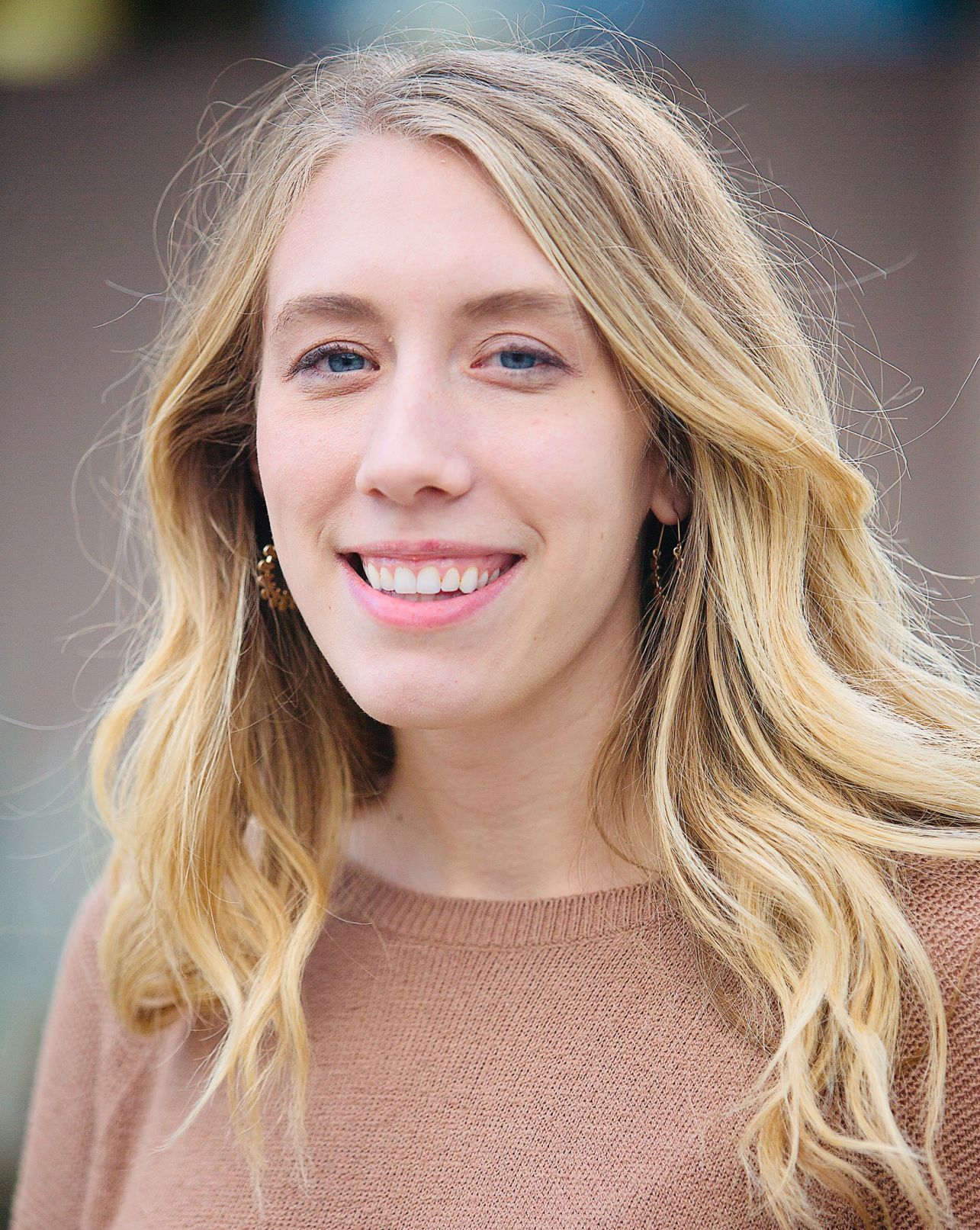
Project manager Mollie Muchna (she/her) has spent the last 10 years working in audience and engagement journalism in local newsrooms across the Southwest. She lives in Tucson, Arizona, where she is also an adjunct professor at the University of Arizona’s School of Journalism. She can be reached at mollie@trustingnews.org and on Twitter @molliemuchna.